Kiwiform, a Powerful Tally Alternative
Kiwiform is a modern Tally alternative built for teams that need advanced logic, full design flexibility, and scalable features without usage-based restrictions.
Start Kiwiform FreeSmarter flows less friction
Kiwiform vs Tally: Which Should You Pick?
Tally is known for its Notion-style interface and simple form creation process. It's great for creators who want a clean, minimal setup without complexity. However, if you're looking for a powerful and scalable Tally alternative, Kiwiform offers deeper customization, stronger logic control, and more advanced features for growing teams.
While Tally focuses heavily on simplicity, Kiwiform balances ease of use with real business functionality. Whether you're building lead generation forms, customer onboarding flows, surveys, job applications, or payment forms, Kiwiform gives you the flexibility to scale without limitations.
Create Adaptive Form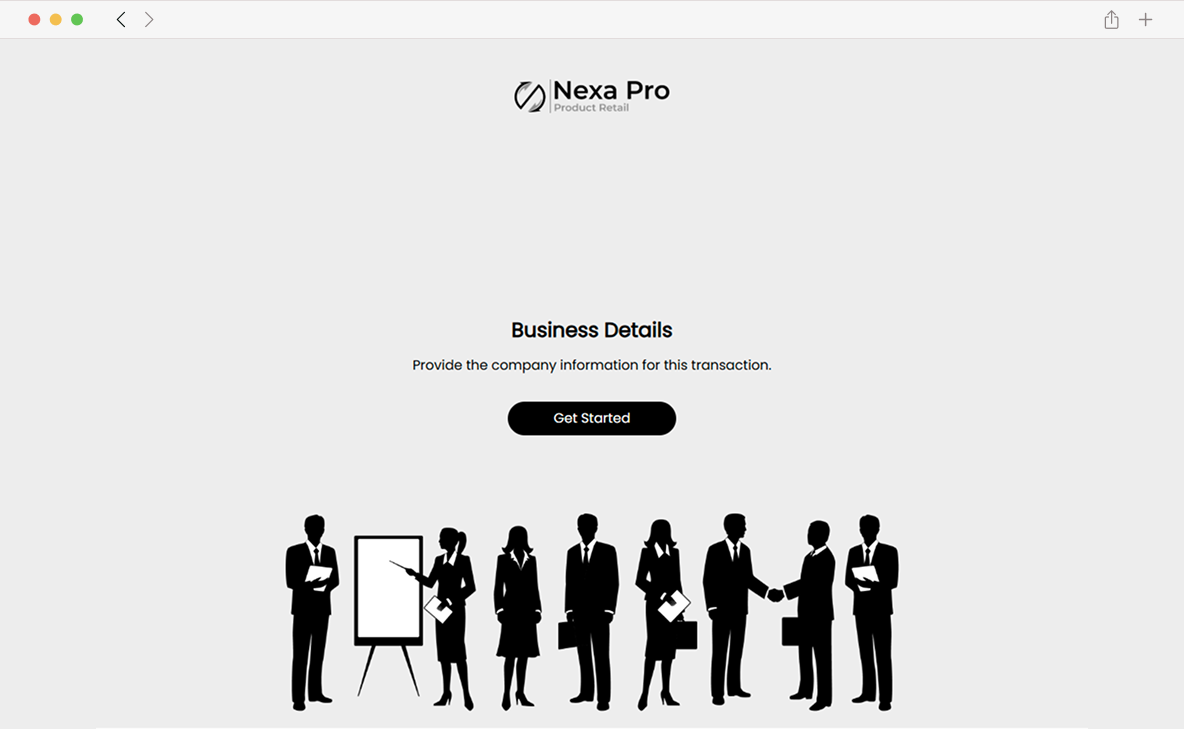
Why Choose us
Why Choose Kiwiform Over Tally?
Kiwiform is designed to solve the common limitations users experience with Tally:
- More advanced conditional logic and branching
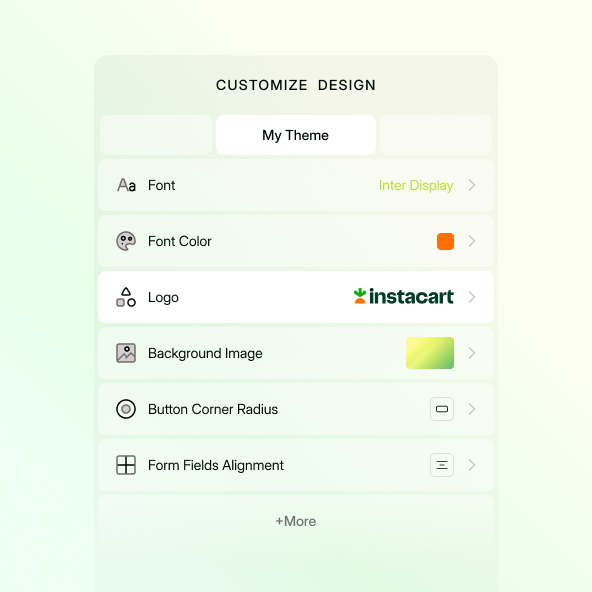
- Stronger branding and customization options
- Built-in tools for payments, automation, and integration
- Designed for businesses, startups, and scaling teams
It's a Tally alternative that grows with your needs, not one that restricts them.
General Pricing & Limits
Everything Kiwiform offers.
Tally
Perfect for beginners ideas.
Kiwiform
Complete access, no limits.
Unlimited Forms
Unlimited responses
Unlimited questions
Multi-page forms
Column layout
Add Branding/cover image (colors/fonts)
Workspace
Unlimited uploads
Conditional logic
Version history.
Control data retention
Everything in Pro
Remove branding
Premium integrations.
Pricing
Understand how Kiwiform and Tally compare in cost structure, flexibility, and long-term value.
Tally
Tally offers a generous free plan with useful features for individuals and small creators. However, advanced customization, branding removal, and certain integrations are tied to paid plans. As your business needs grow, upgrading becomes necessary to unlock full capabilities.
Kiwiform
Kiwiform provides transparent pricing with generous limits and advanced functionality included without hidden upgrades. You can create unlimited forms and collect generous responses even on the free plan, making it a cost-effective solution for startups and businesses that want predictable pricing and scalable growth.
Interface
Compare the form-building experience and layout flexibility between both platforms.
Tally
Tally uses a Notion-style, document-based editor. It's simple, minimal, and easy to start with. However, it primarily follows a linear form layout, which may limit flexibility for teams that need conversational flows or multi-step experiences.
Kiwiform
Kiwiform supports conversational forms, multi-step layouts, and single-page forms. You can design experiences based on your audience and use case - not just one format. This flexibility makes it suitable for marketing funnels, onboarding processes, surveys, and complex workflows.
Features
See which platform offers stronger tools and real-world functionality.
Tally
Tally focuses on simplicity and ease of use. It supports essential form features, integrations, and payments, but advanced workflow control and deeper automation options may be limited depending on your plan.
Kiwiform
Kiwiform goes beyond basic forms with:
- Advanced logic and branching
- Multiple field types and dynamic flows
- Custom domains and full branding control
- Payment collection support
- Powerful integrations and automation
- Business-ready features for scaling workflows
Do More with Kiwiform
Automate workflows
Automatically send submissions to tools and eliminate manual work.
Real-time syncing
Instantly sync form responses with your favorite apps.
Collect payments
Accept secure one-time payments directly within your form.
File storage
Automatically save uploaded files to Google Drive.
Advanced tracking
Track traffic, events, and conversions effortlessly.
Flexible integrations
Connect with Zapier, Notion, Sheets, and +20 more.