Creating Forms in Any Language
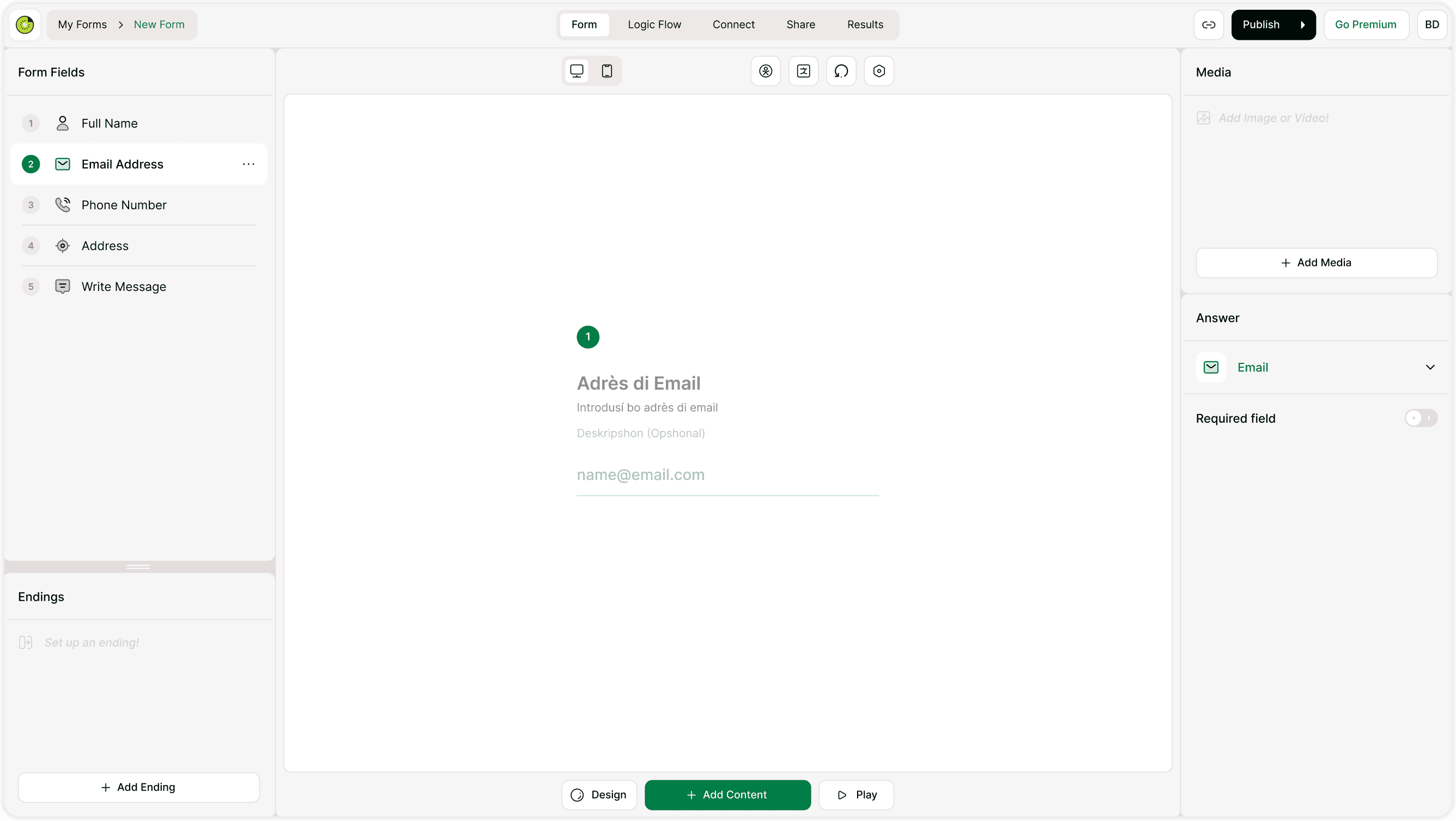
Kiwiform allows you to build forms in any language by simply writing your questions, labels, and messages in the language you need. Whether you are creating a form in English, Hindi, Spanish, or another language, the builder supports multilingual content without restrictions. This makes it easy to reach respondents across regions, teams, or audiences without needing separate tools.
When you type your content into fields such as questions, descriptions, and endings, respondents will see the form exactly in that language. This gives you full control over how your form is presented and ensures that your messaging remains accurate and context-appropriate.
Managing Form Translations
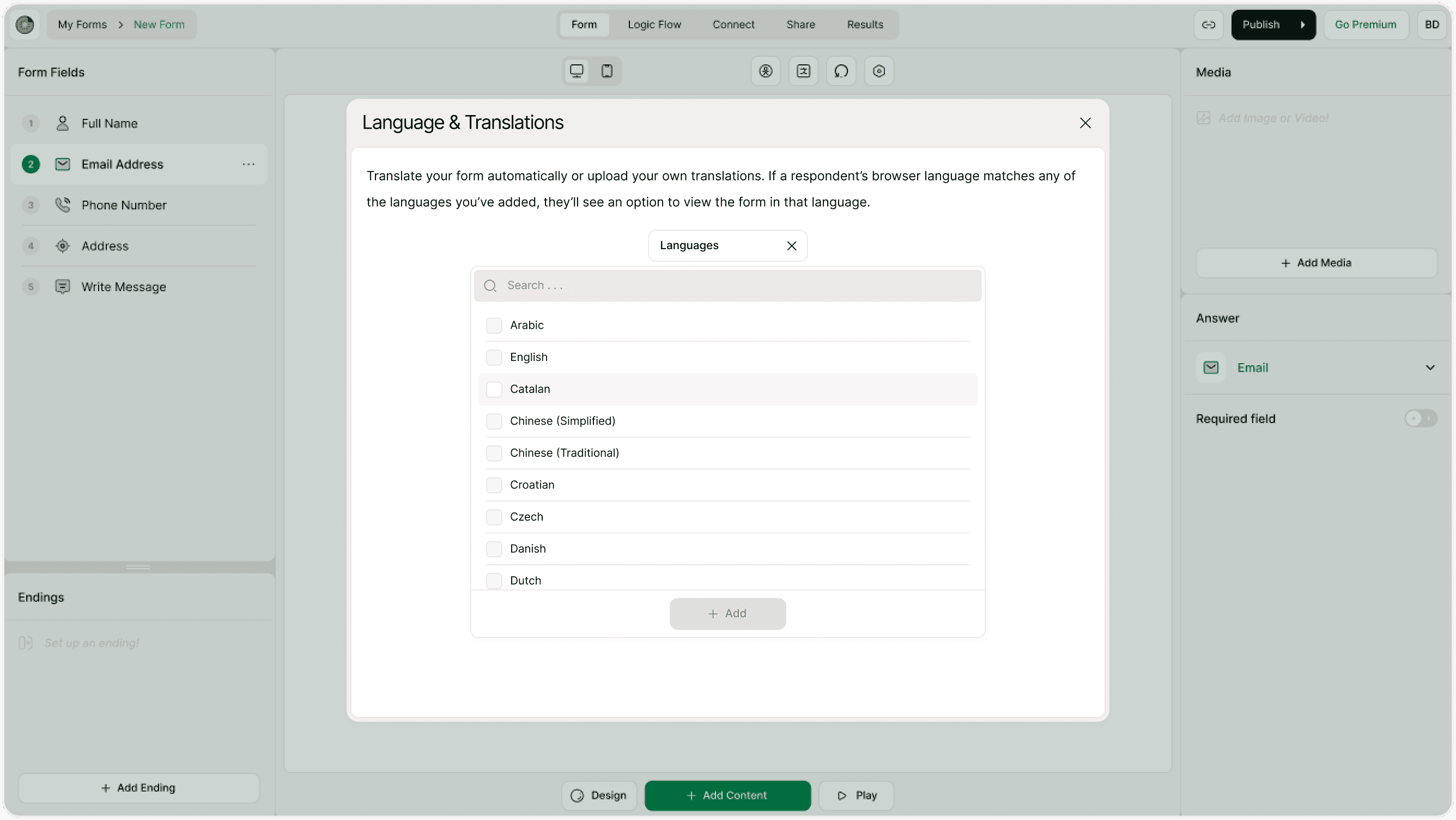
If your form needs to be available in more than one language, you can manage translations directly within your form settings. You can create translated versions of your form content so that respondents can interact with the form in their preferred language. This includes translating questions, answer options, endings, and system messages where applicable.
Some creators prefer to duplicate a form and translate it for a different audience. This approach works well when you want full control over each language version. Others use translation tools inside form settings to manage language variations within the same form structure.
Respondent Experience Across Languages
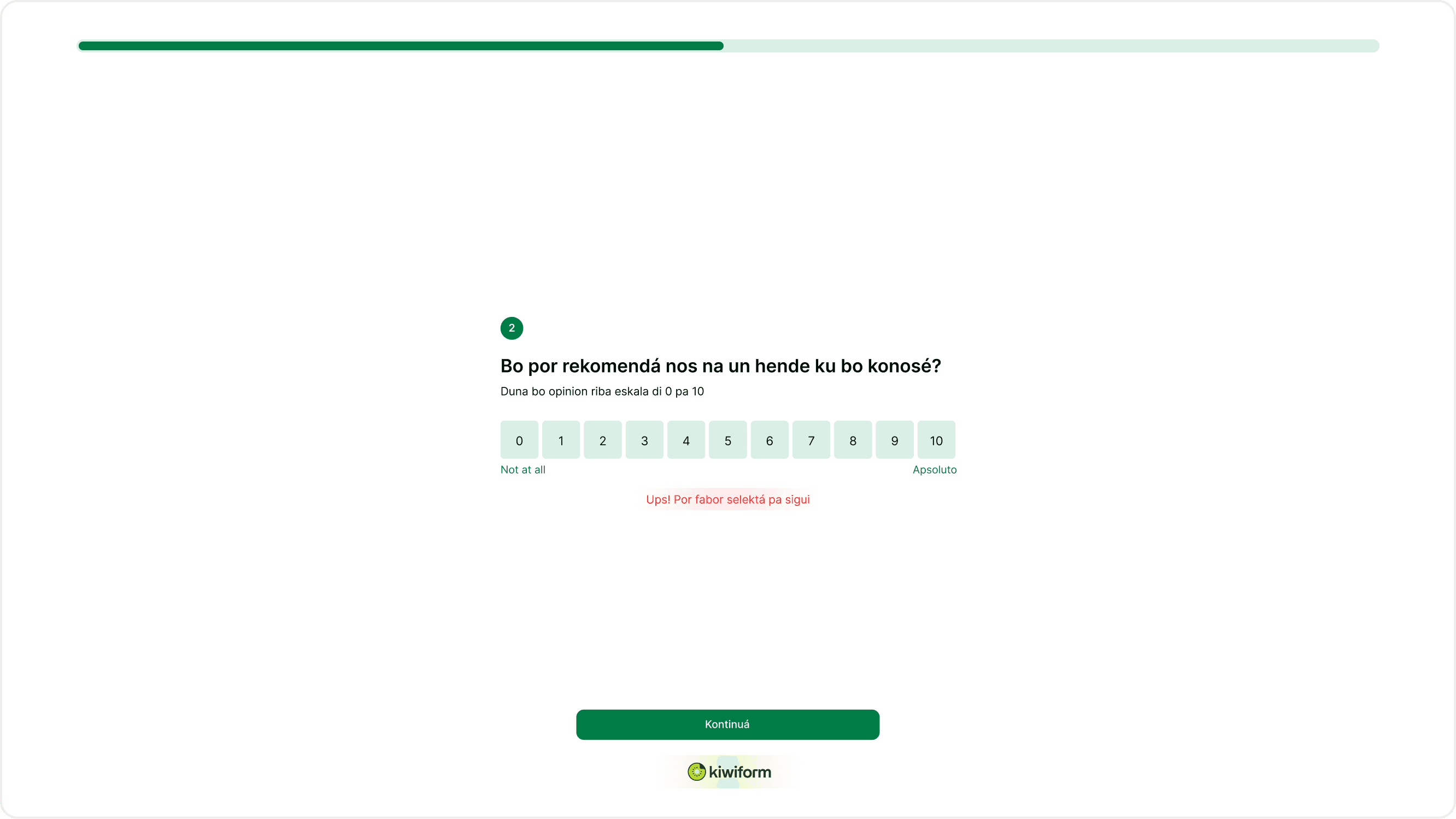
When a form is prepared in a specific language, respondents will see all questions and instructions in that language. This helps improve clarity and reduces drop-offs, especially for surveys, registrations, and feedback forms shared globally. A well-translated form builds trust and ensures that respondents understand what information is being requested.
If you are sharing forms with international audiences, it is recommended to review all text carefully, including buttons, confirmation messages, and endings, so the entire experience feels consistent. Clear language improves completion rates and helps you collect more accurate responses.
When to Use Multiple Language Versions
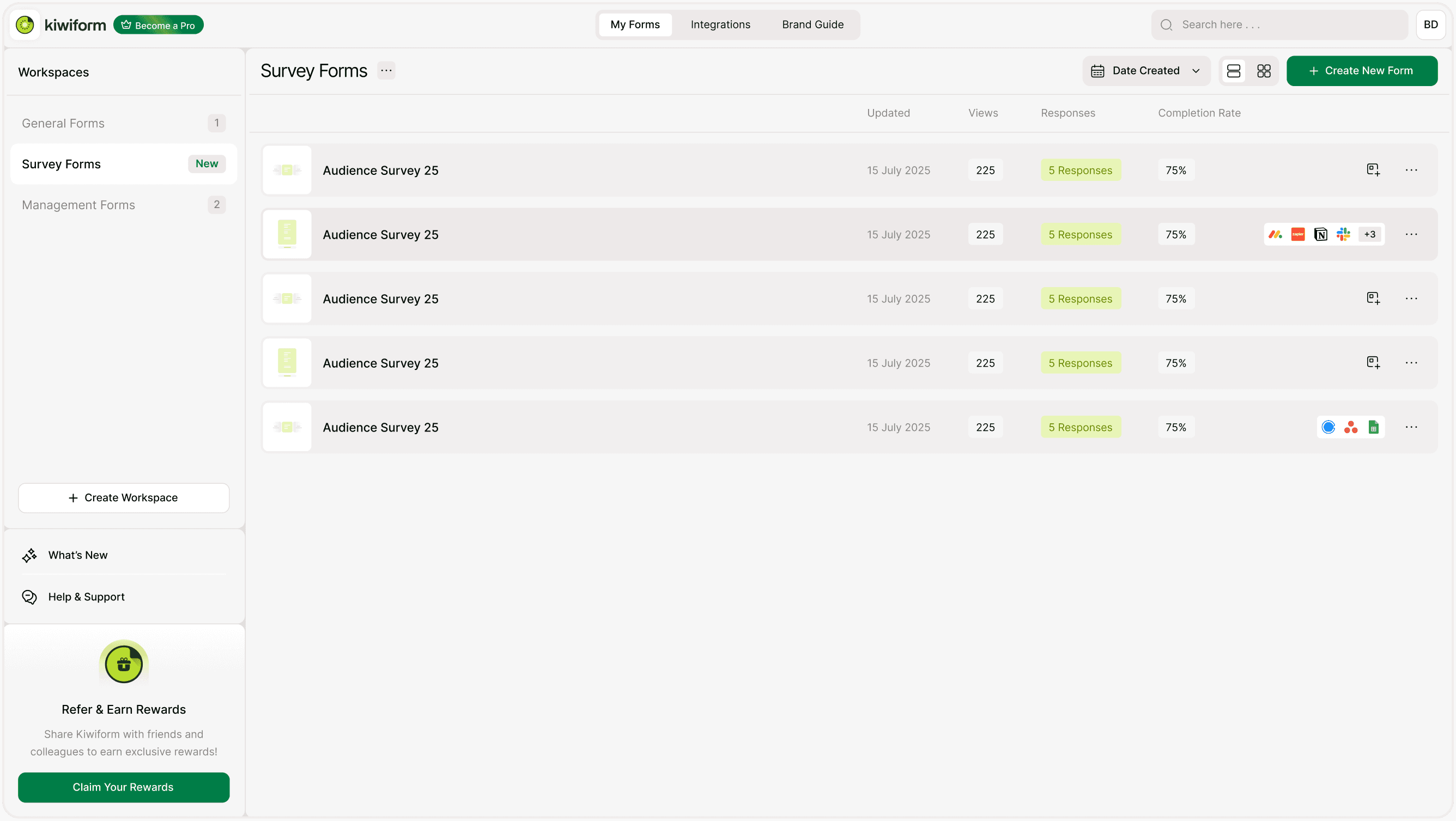
Creating forms in multiple languages is helpful when you are working with global customers, multilingual communities, or internal teams across regions. For example, you may create one version of a feedback form in English and another in Spanish for different audiences. You can also duplicate forms and adjust translations to match local terminology or context.
This flexibility allows you to maintain a consistent structure while adapting content to suit different users. It also helps you manage responses more clearly when you are collecting data from multiple regions.
Best Practices for Multilingual Forms
Before sharing your form, preview it in each language to ensure everything reads naturally. Check that questions, answer choices, and endings match your intended meaning. If your form includes logic or branching, review each path to confirm that translated content appears correctly.
Using clear language and consistent terminology helps respondents complete forms more confidently. Keeping translations accurate and well-structured also improves response quality and reduces confusion.
Summary
Kiwiform supports multilingual form creation so you can collect responses from diverse audiences without complexity. You can write forms in any language, manage translations, and prepare versions tailored to different regions or users. This flexibility helps you create clear, accessible forms that work across languages while keeping the experience simple for both creators and respondents.