What is an Online Quiz Maker?
An online quiz maker is a digital tool that allows teachers to create quizzes, collect student responses, automatically evaluate answers, and analyze results. These tools help educators conduct assessments, measure understanding, and improve classroom engagement through structured digital quizzes.

How We Evaluated These Quiz Makers
To identify the best quiz makers for teachers, we analyzed multiple platforms used in classrooms and online learning environments.
Each tool was reviewed based on:
Ease of quiz creation
Available question types
Grading and analytics capabilities
Classroom engagement features
Flexibility for different teaching styles
We also evaluated how well each tool supports real classroom scenarios such as weekly quizzes, homework assignments, and quick feedback surveys.
At-a-Glance Comparison
Create a Quiz using Kiwiform
Best Online Quiz Makers for Teachers
1. Kiwiform : Best Flexible Quiz Maker for Teachers
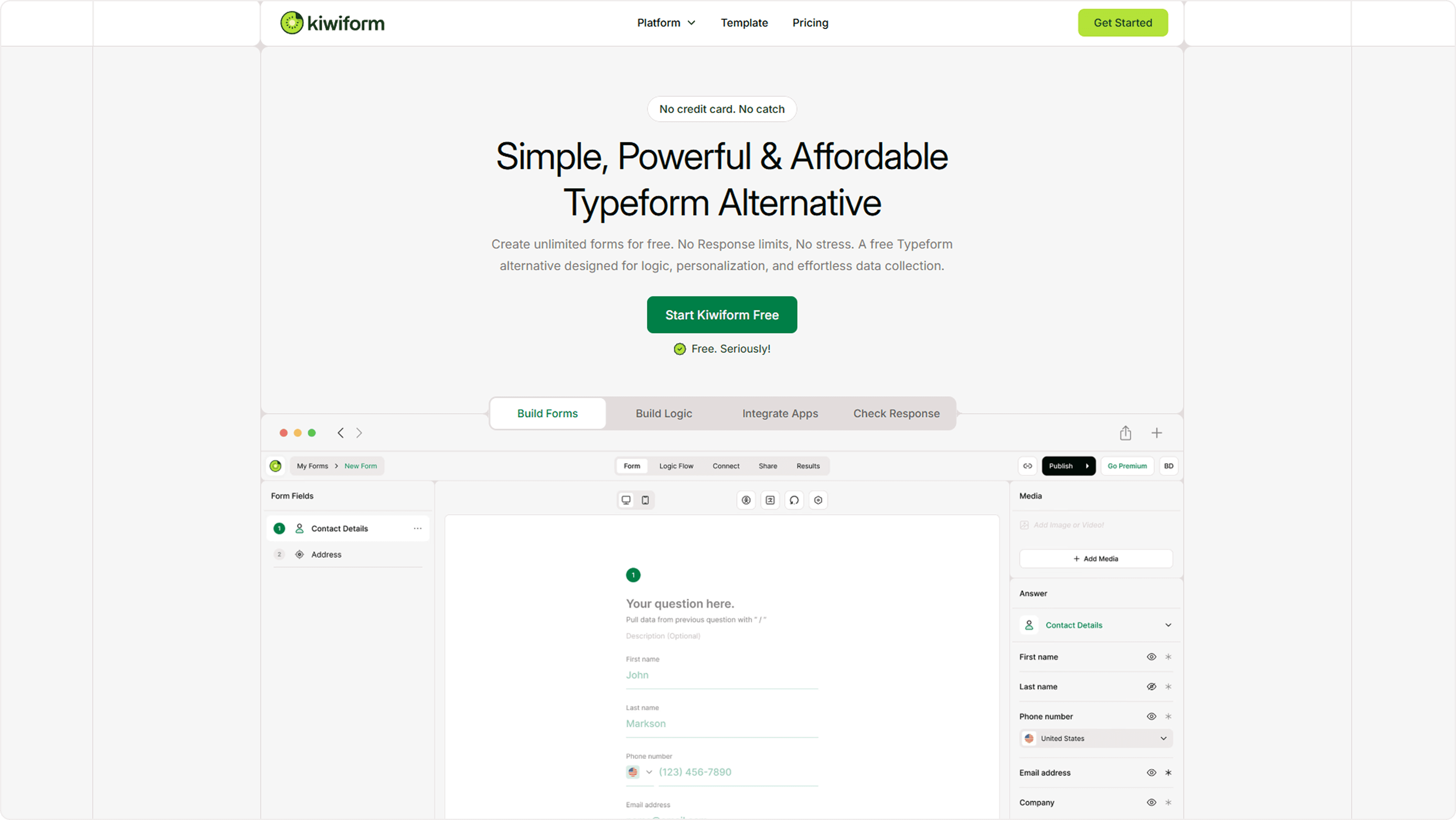
Kiwiform allows teachers to create conversational quizzes with advanced logic and unlimited responses.
Kiwiform is a modern form and quiz builder that enables educators to design structured quizzes while keeping the experience simple for students. Its conversational format presents questions step-by-step, helping students stay focused during assessments.
Key Features
Conversational quiz format
Multiple question types including ratings and scales
Logic-based question flow
Built-in analytics
Unlimited quizzes and responses
Unique Strength
Kiwiform supports advanced logic and conditional quiz paths, allowing teachers to adapt questions based on previous answers.
Best For
Teachers who want flexible quiz creation and detailed response insights.
Pros
Cons
Classroom Example
A teacher can create a weekly quiz where incorrect answers trigger follow-up questions to help identify learning gaps.
Open LinkCreate a Quiz using Kiwiform
2. Google Forms : Best Free Quiz Tool for Basic Assessments
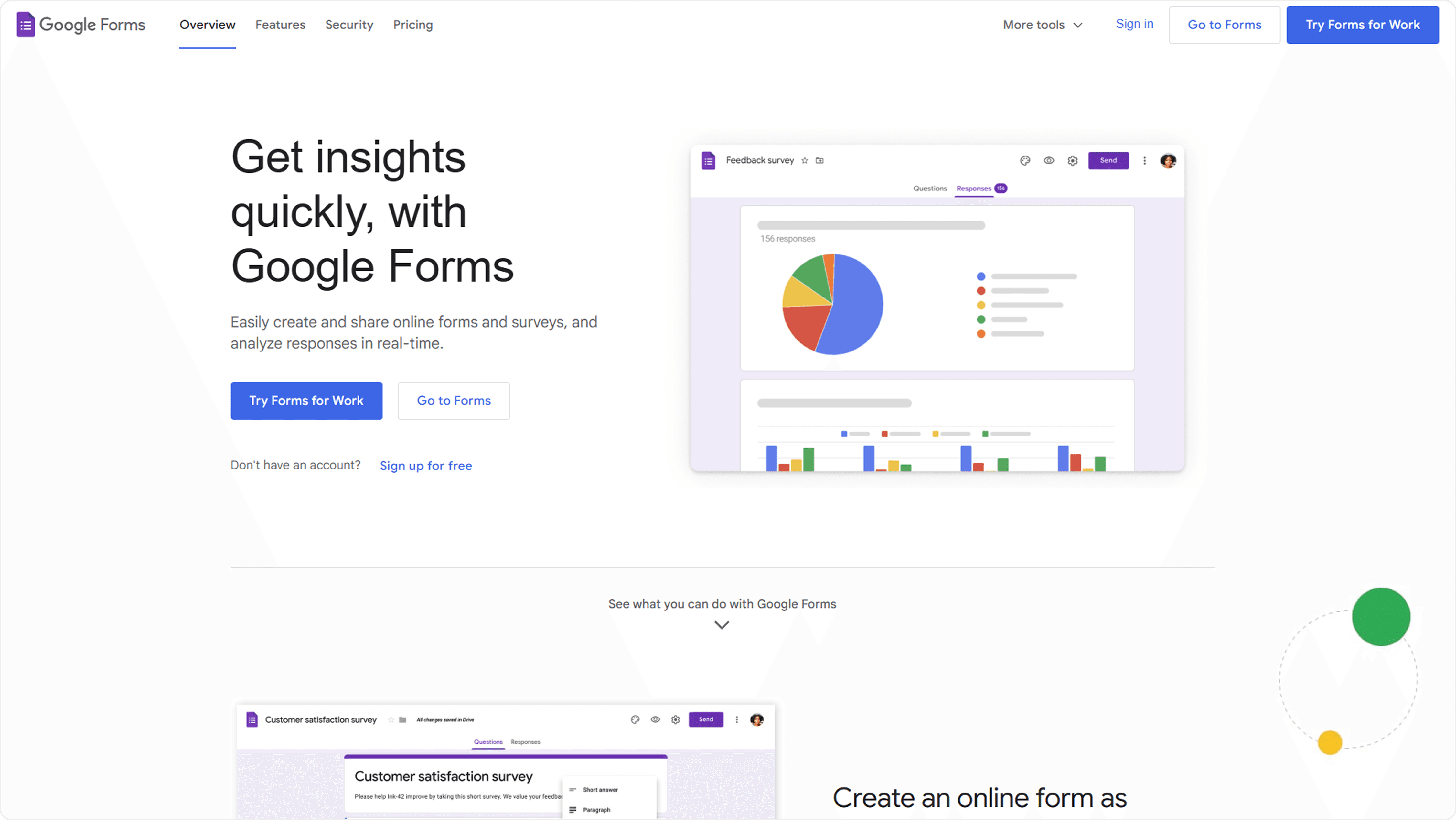
Google Forms is widely used by teachers because it offers simple quiz creation and automatic grading.
Google Forms allows educators to quickly create quizzes and distribute them through links or classroom platforms.
Unique Strength
Integration with Google Classroom and Google Sheets makes it easy to track responses.
Best For
Teachers who want a simple, free quiz solution.
Key Features
Classroom Example
Teachers can create short quizzes at the end of lessons to measure student understanding.
Pros
Completely free
Easy to use
Widely accessible
Cons
Limited customization
Minimal quiz analytics
Create a Quiz using Google Forms
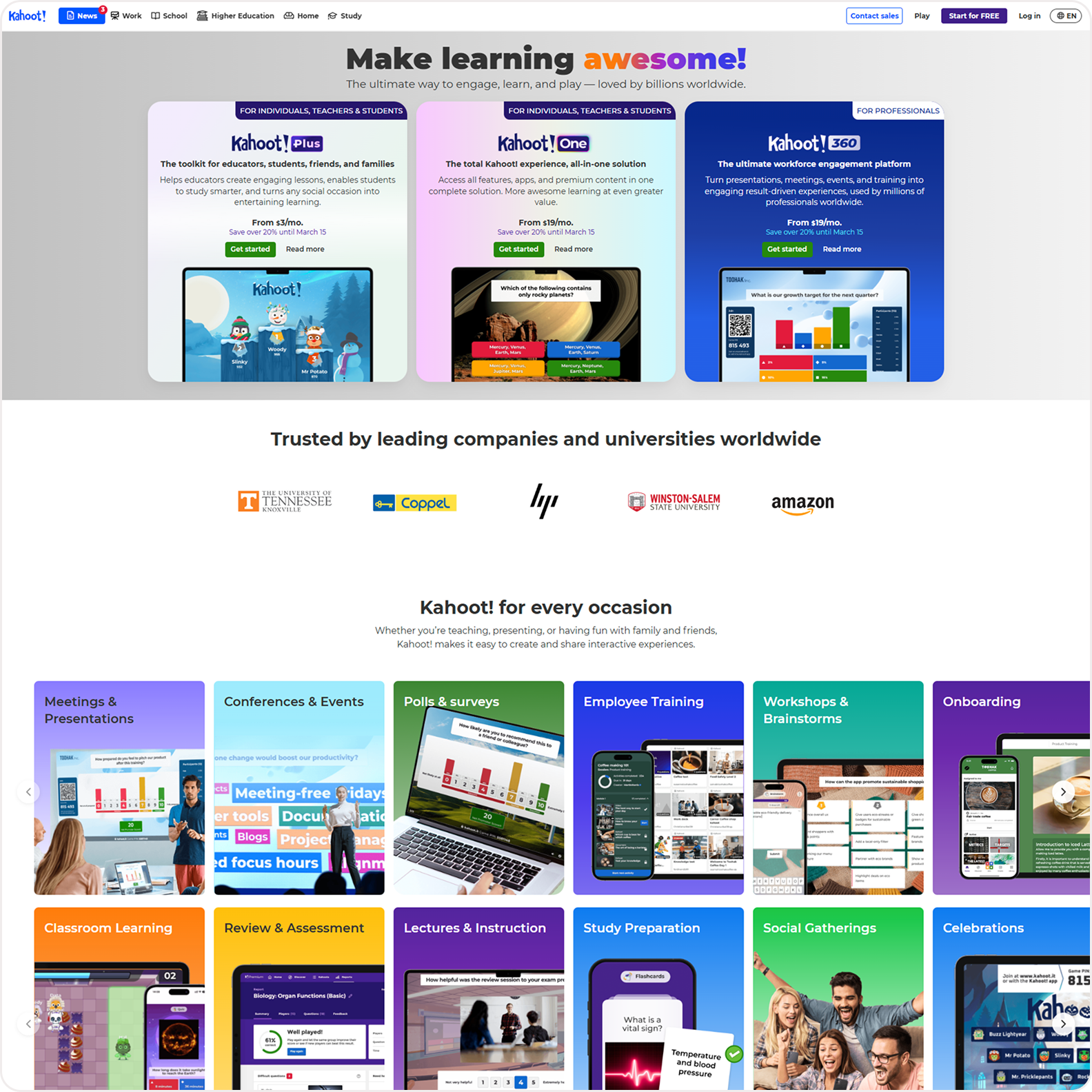
3. Kahoot : Best Gamified Quiz Maker
Kahoot transforms quizzes into interactive games that encourage classroom participation.
Students answer questions in real time while competing for points, making quizzes more engaging.
Key Features
Real-time quizzes
Leaderboard system
Multimedia questions
Unique Strength
Strong gamification elements increase student engagement.
Best For
Classrooms that benefit from interactive group learning.
Classroom Example
Teachers can run Kahoot quizzes during review sessions before exams.
Explore Kahoot
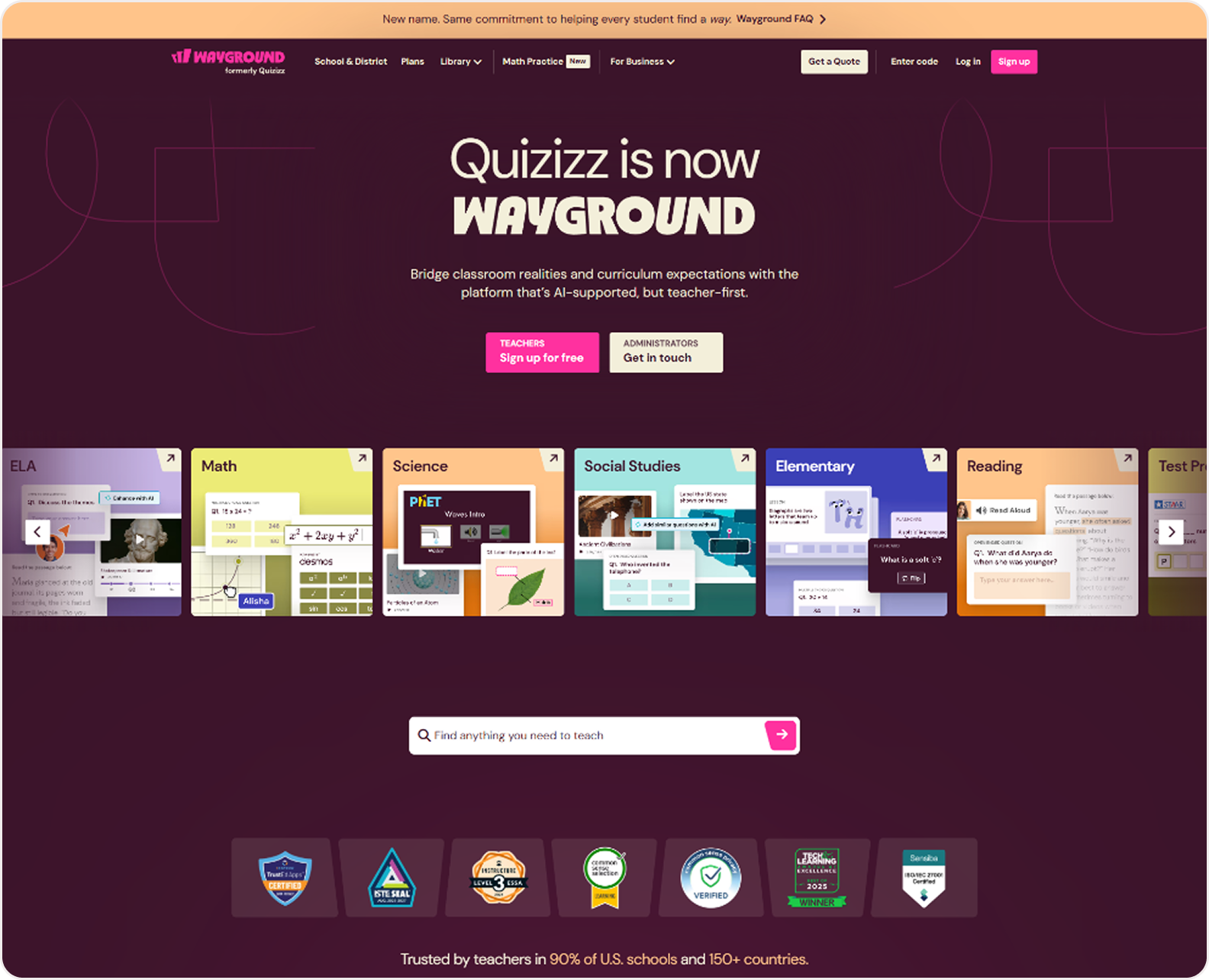
4. Quizizz : Best Self-Paced Quiz Tool
Quizizz enables teachers to assign quizzes students can complete at their own pace.
The platform is commonly used for homework quizzes and asynchronous learning.
Key Features
Self-paced quizzes
Instant feedback
Quiz library
Unique Strength
Students can complete quizzes independently without needing a live classroom session.
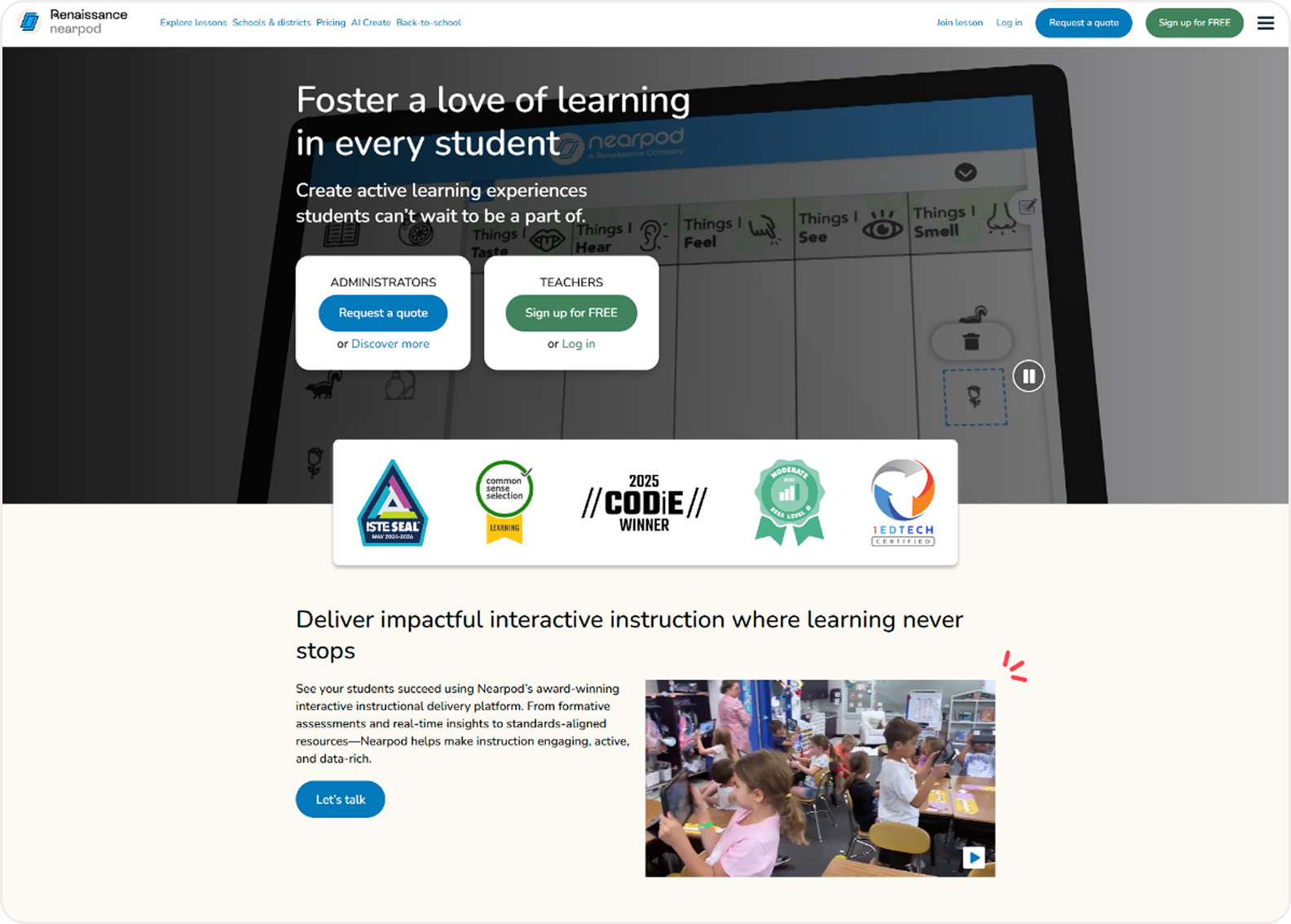
5. Nearpod : Best for Interactive Lessons
Nearpod combines quizzes with interactive lessons and classroom activities.
Teachers can integrate quizzes directly into presentations.
Pros
Cons
Explore Nearpod
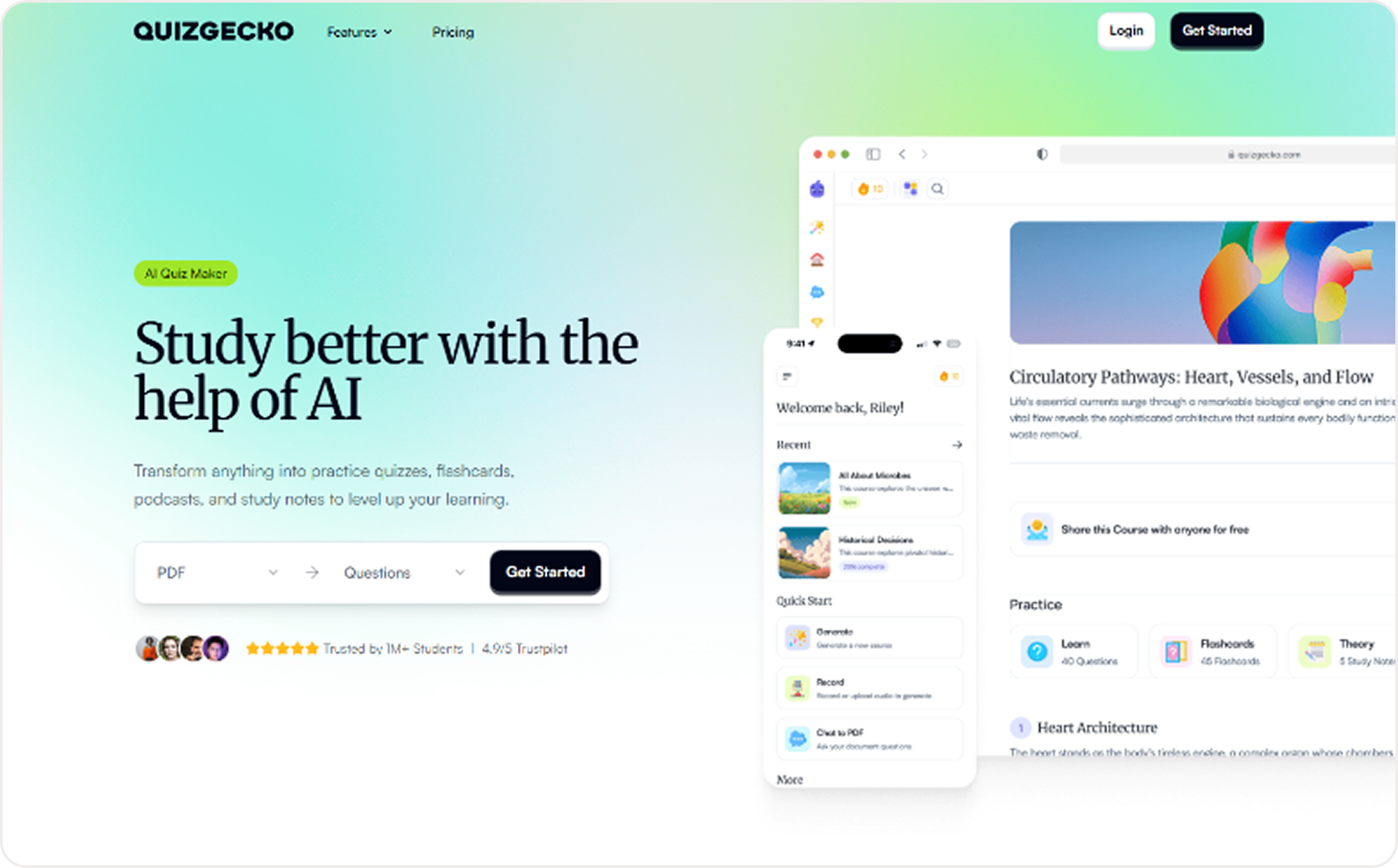
6. Quizgecko : Best AI Quiz Generator
Quizgecko uses AI to generate quizzes automatically from text content.
Teachers can create quizzes from articles, documents, or study materials.
Pros
AI-powered quiz creation
Fast content generation
Cons
Explore Quizgecko
7. Blooket : Best Game-Based Classroom Quiz Tool
Blooket combines quizzes with game mechanics to encourage student engagement.
Teachers can create game based quizzes for students for interactive learning and enhanced engagement.
Pros
Cons
Explore Blooket
Feature Comparison
What to Look for in an Online Quiz Maker
When choosing a quiz maker for teaching, consider the following features:
Easy quiz creation interface
Multiple question types
Response analytics
Integration with classroom tools
Flexible quiz distribution
Teachers often benefit from tools that allow quizzes to adapt based on student responses.
Common Mistakes When Choosing a Quiz Maker
Avoid quiz tools that:
Limit the number of quiz responses
Lack analytics insights
Provide only basic question types
Do not work well on mobile devices
Selecting the right tool ensures quizzes remain effective learning tools rather than simple assessments.
Final Recommendation
Modern classrooms rely on tools that go beyond basic assessments and support interactive learning. The best quiz makers help teachers engage students, adapt to different learning styles, and gather meaningful performance insights.
Platforms like Kiwiform make this easier by combining conversational formats with flexible logic, allowing educators to create quizzes that feel intuitive for students while still delivering structured results for better teaching decisions.
Try Kiwiform Now